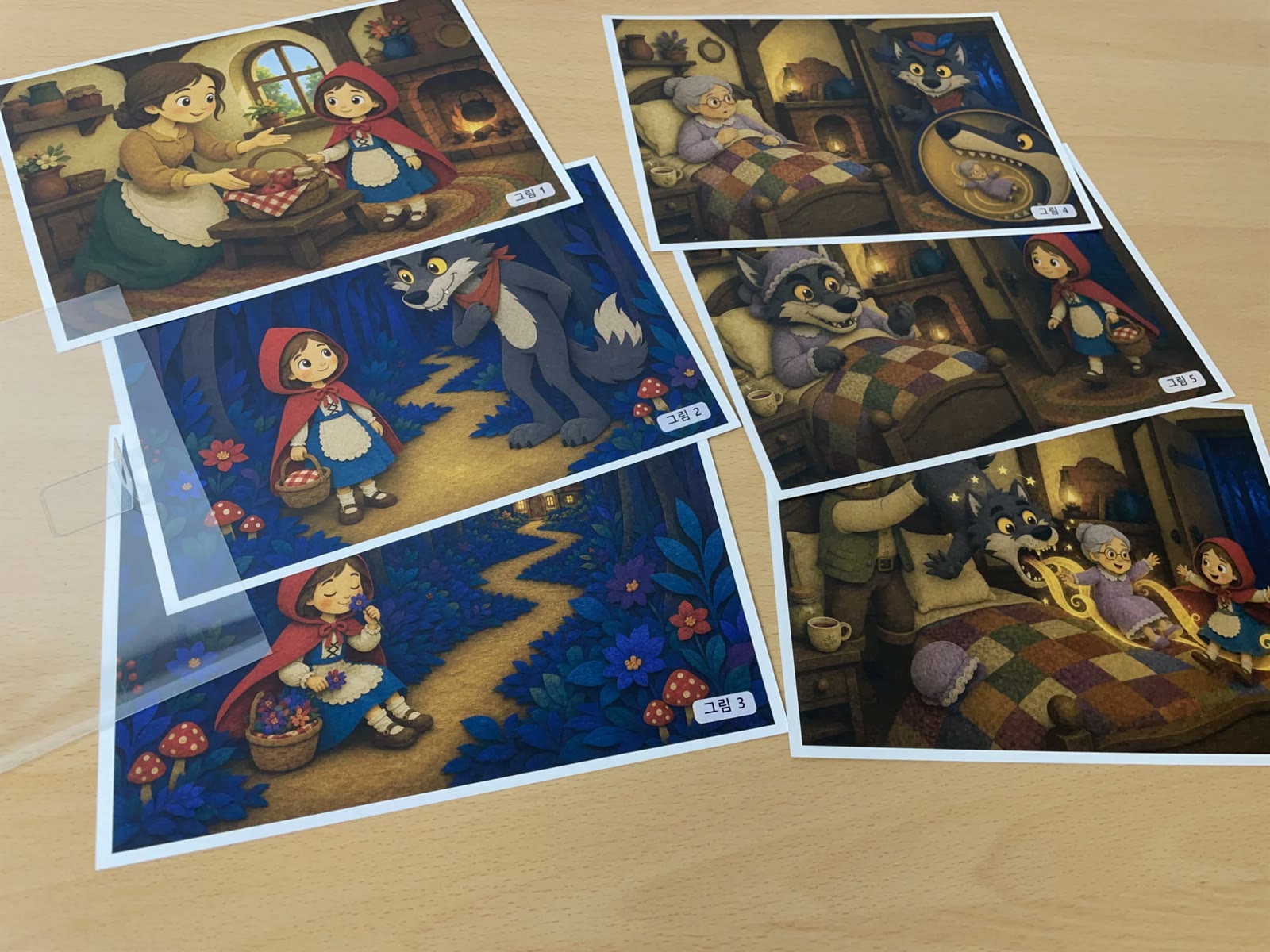
Little Red Riding Hood
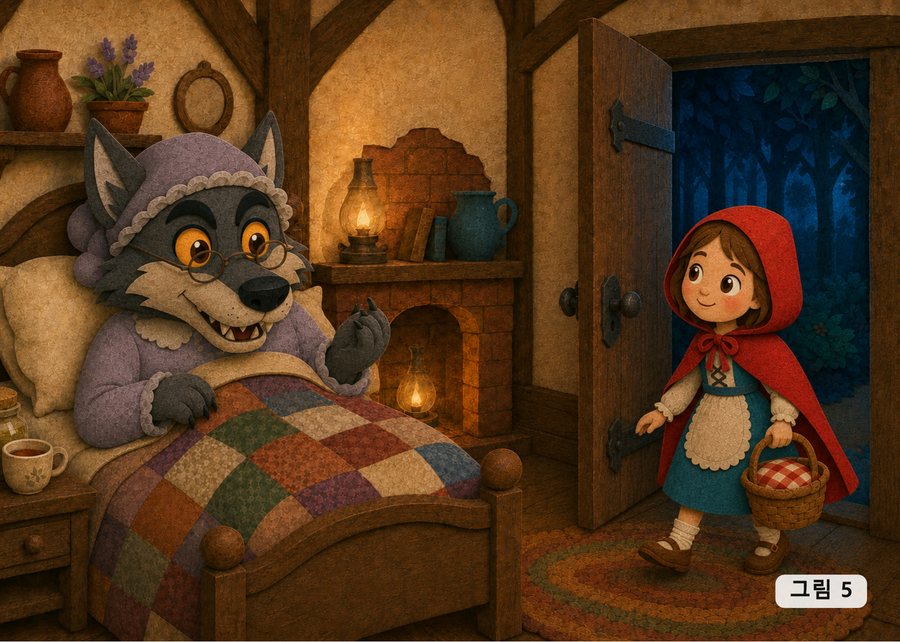
On the way to Grandma’s house, she meets a wolf in the woods.
Born Digital. Built Physical.

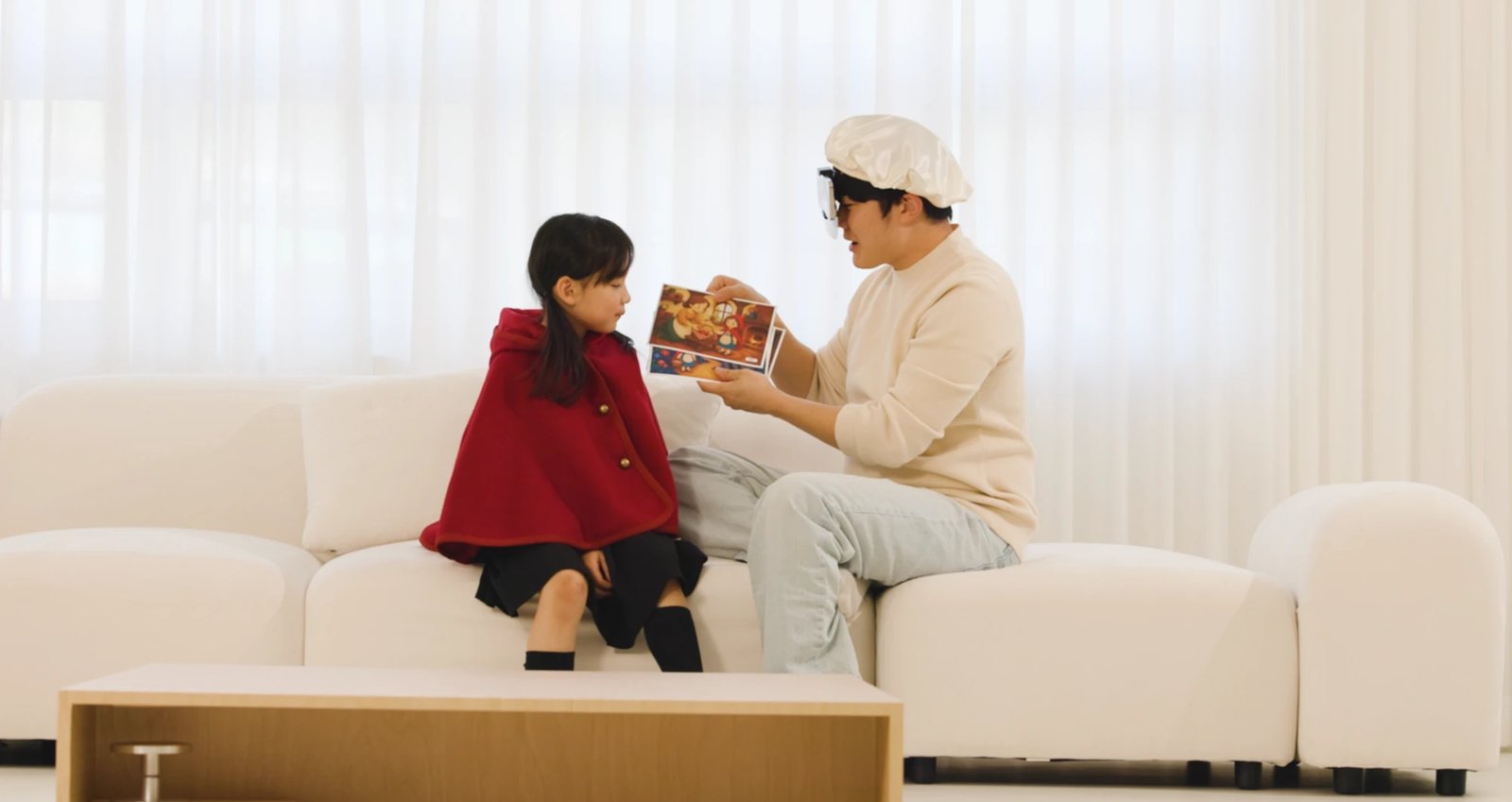
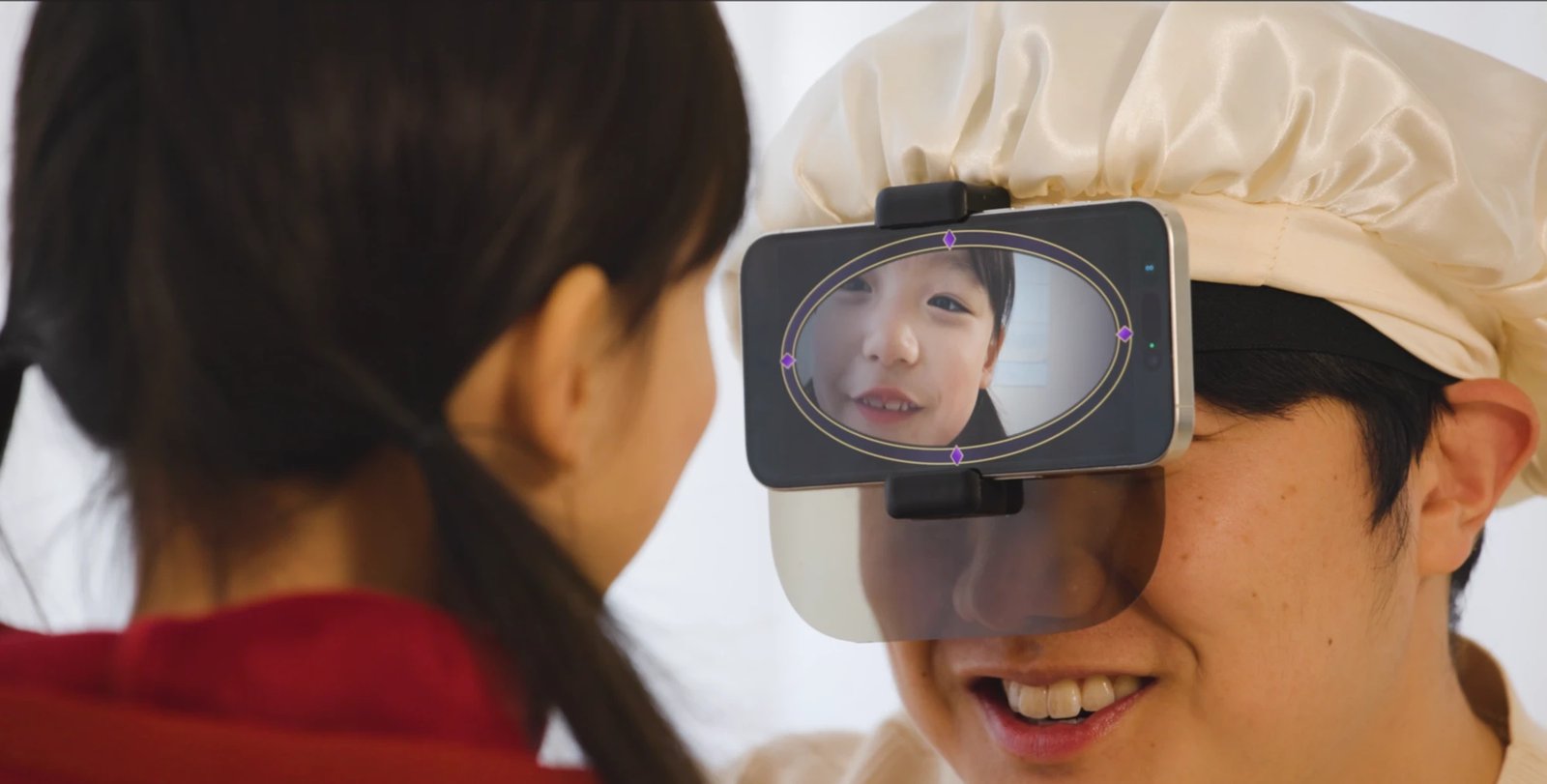
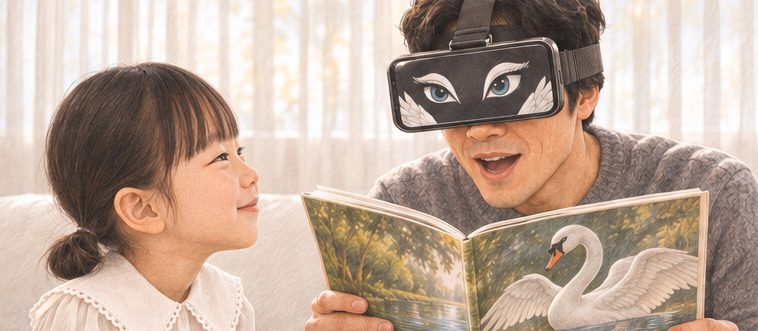
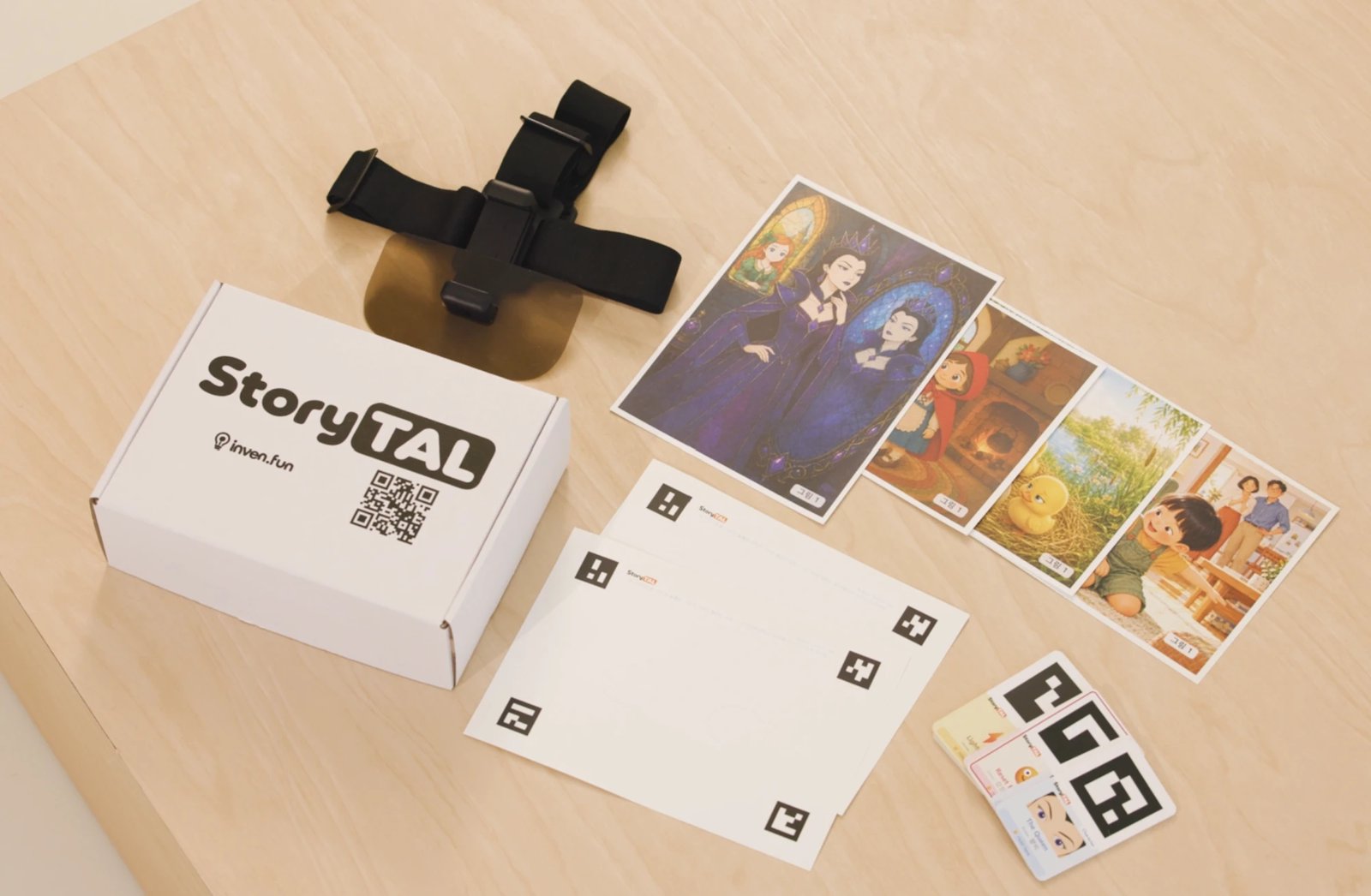
Put a phone on your forehead, and Mom or Dad becomes the character.
Kids draw their own characters, and the whole family makes up a story as easily as chatting — then performs it.
Sound familiar?
I’d love to enjoy stories with my child, but I’m no actor. And some days I’m just tired.
It’s the same book every single day, and I can’t make up new stories.
I want English to be fun, but we both feel awkward, and I’m not sure of my pronunciation.
So we made stories you don’t read aloud. You become them.
Three things to do with StoryTAL
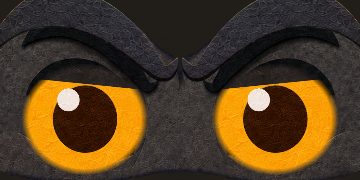
Grandma, why is your mouth so big?
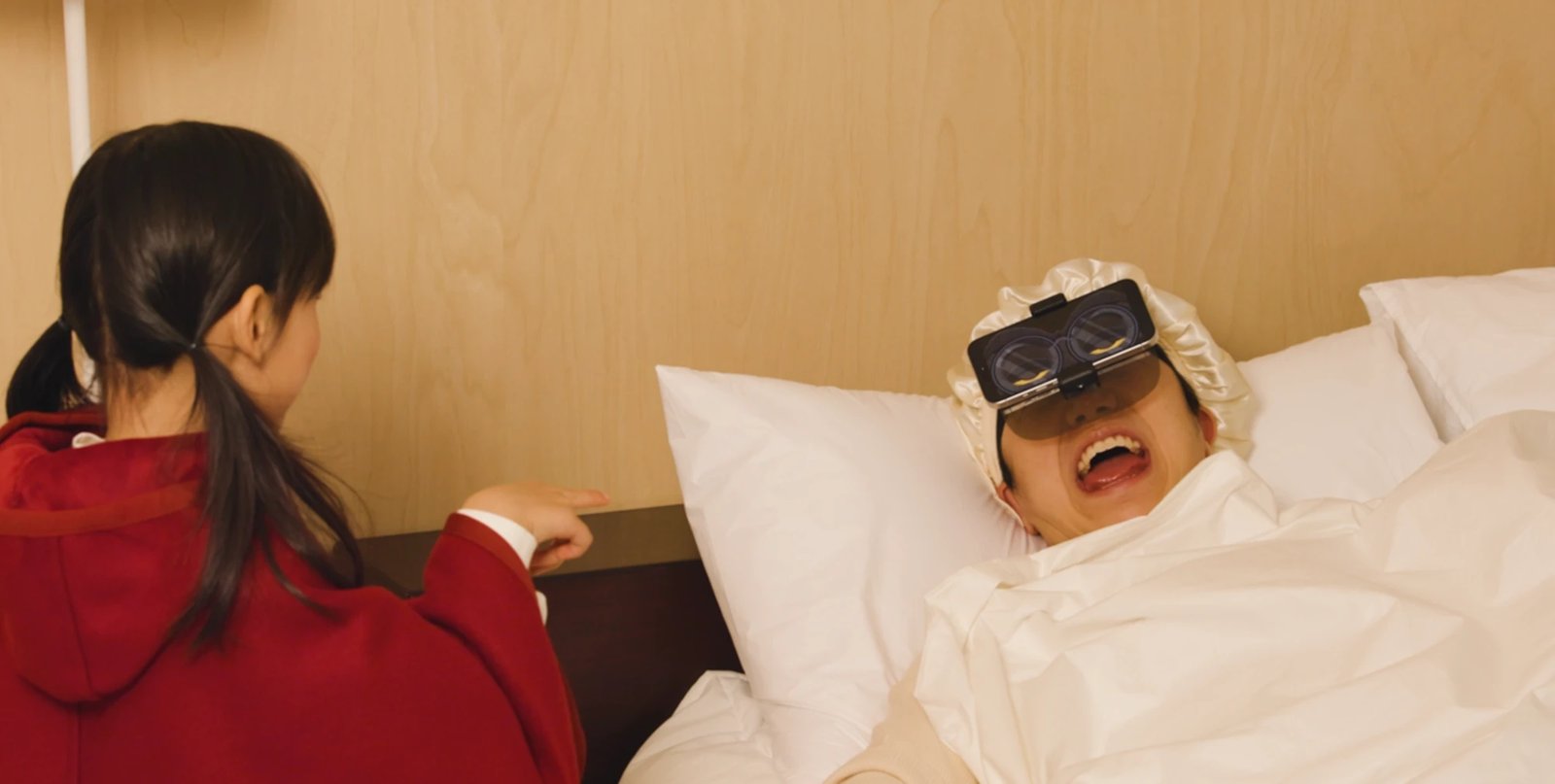
Become · Transform
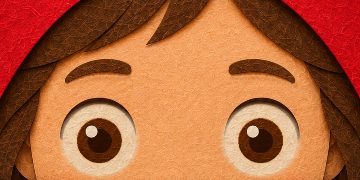
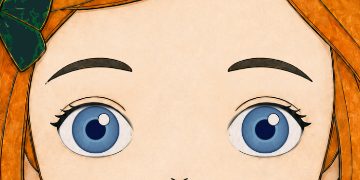
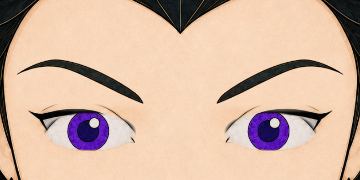
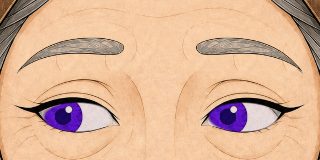
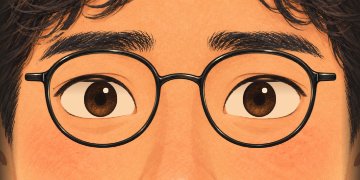
The character’s eyes follow your child, blink, smile and glare. The visor hides your own eyes, so all your child sees is the wolf.
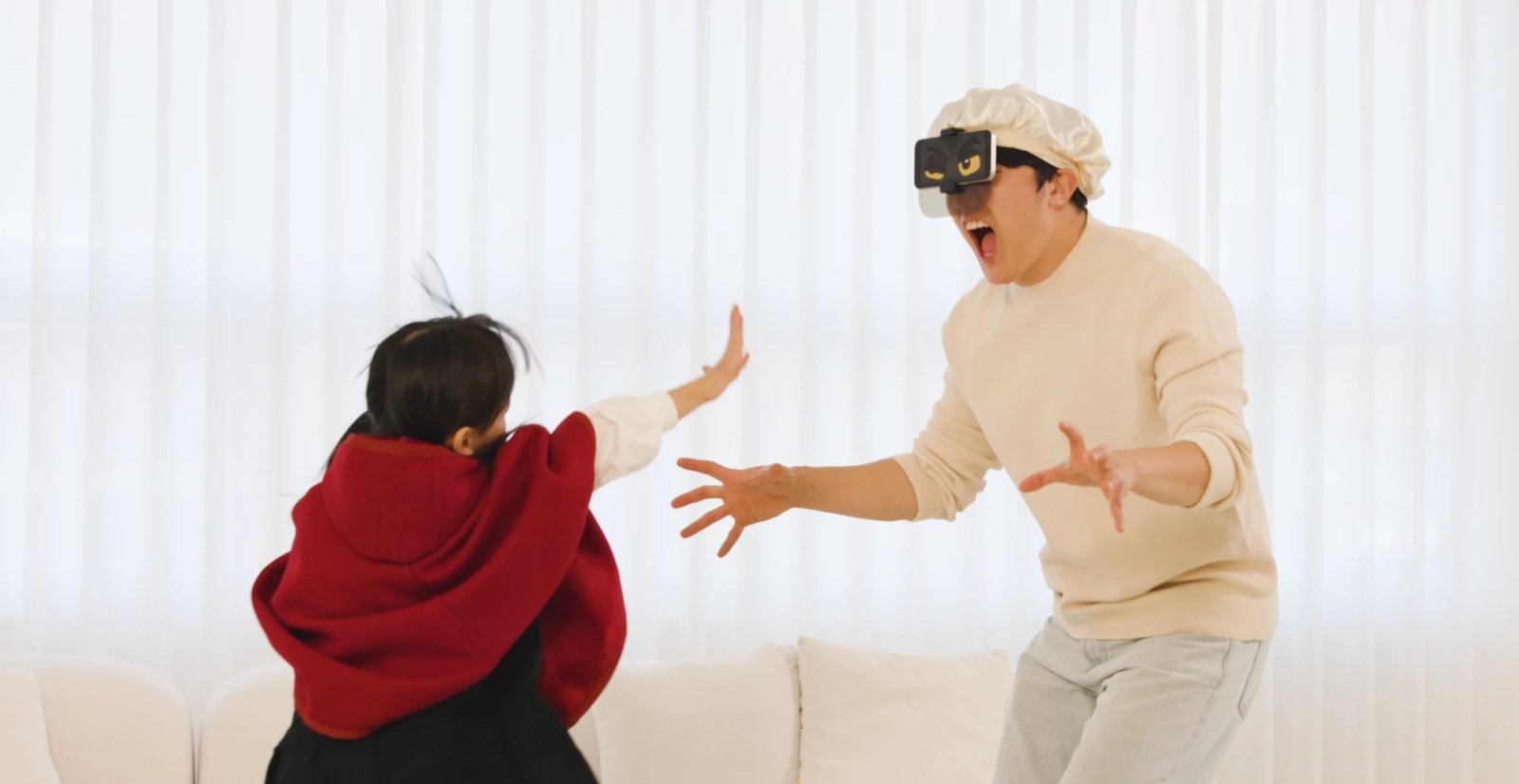
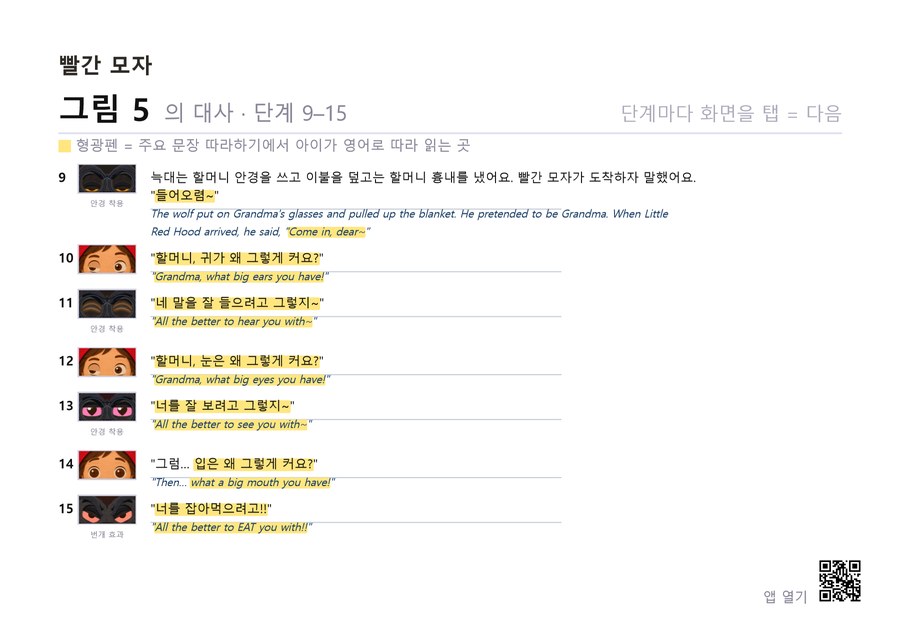
Tap the screen to switch to the face for the next scene. The lines in the booklet are in the same order, so you just read and tap.
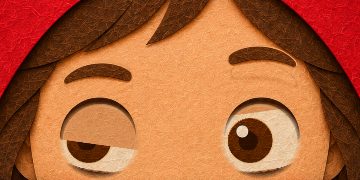
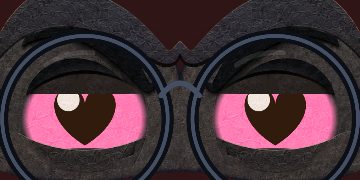
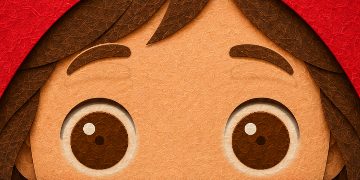
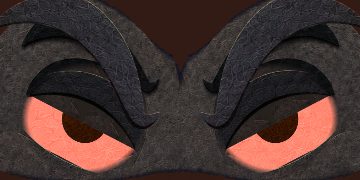
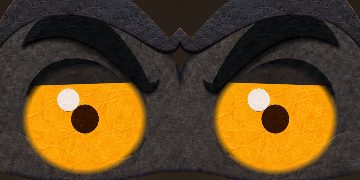

The phone does the expressions, and you choose the voice.
Read in your own voice. Finish a scene, tap the screen, and move on to the next.
AI voices read each character differently. All you do is wear it and tap.
Draw · Make My Character
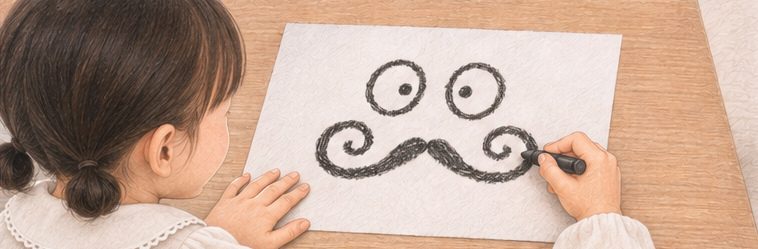
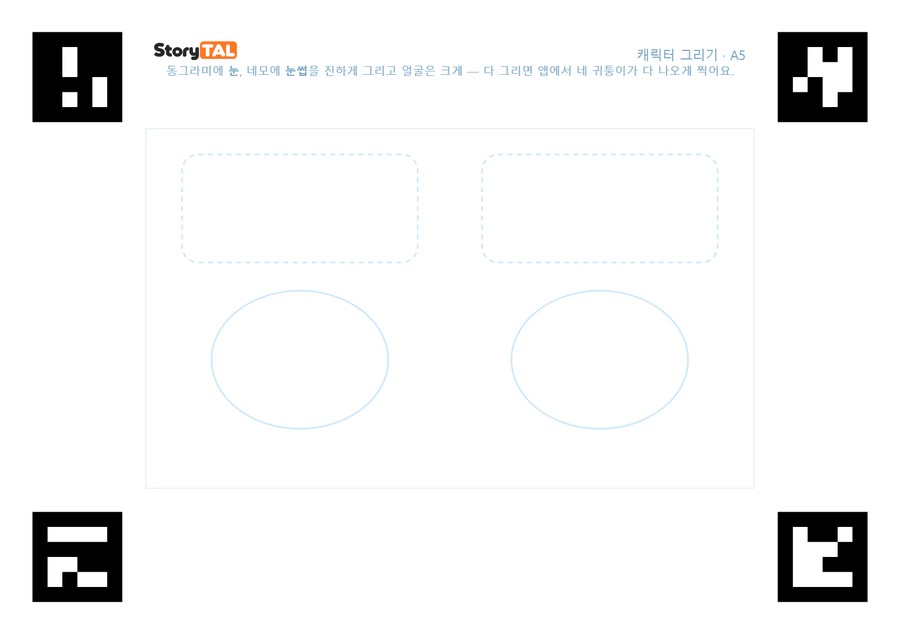
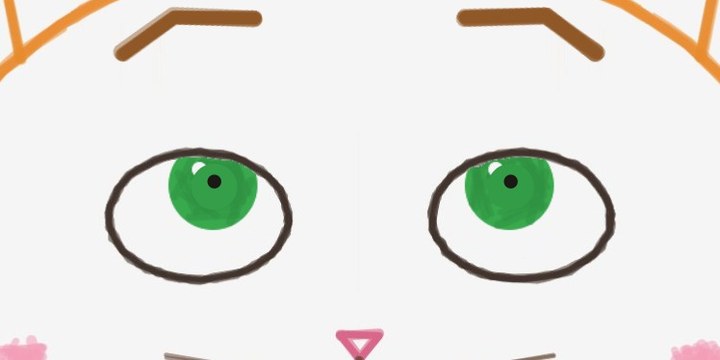
Draw eyes in the circles, eyebrows in the boxes, and a big face all around. Take a photo, and the drawing blinks and watches your child.
Your child draws
You snap a photo

It comes alive on Dad’s forehead

Draw · Hand Puppetry
Your child shows both hands to the camera, and the character’s expression follows. You just play along: gasp, nod off, jump up.
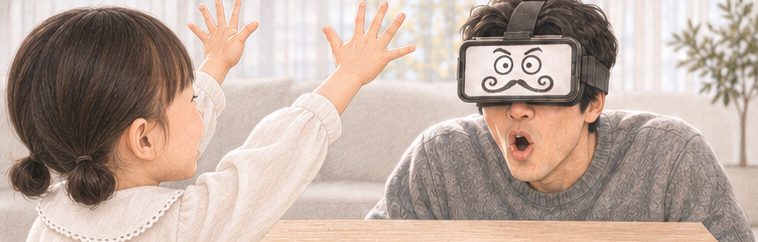
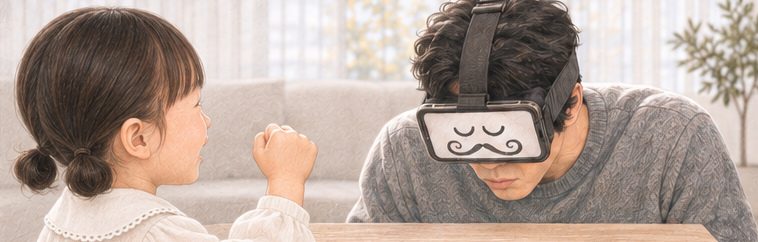

It works during stories too: show both hands and the expression follows; lower them and the scene’s own expression returns. Winking works on the “Make My Character” screen.
I want the wolf
to say sorry to Grandma!
Create · Make My Story NEW
Write whatever comes to mind, one line at a time, and pick who says it. Each bubble is a scene.
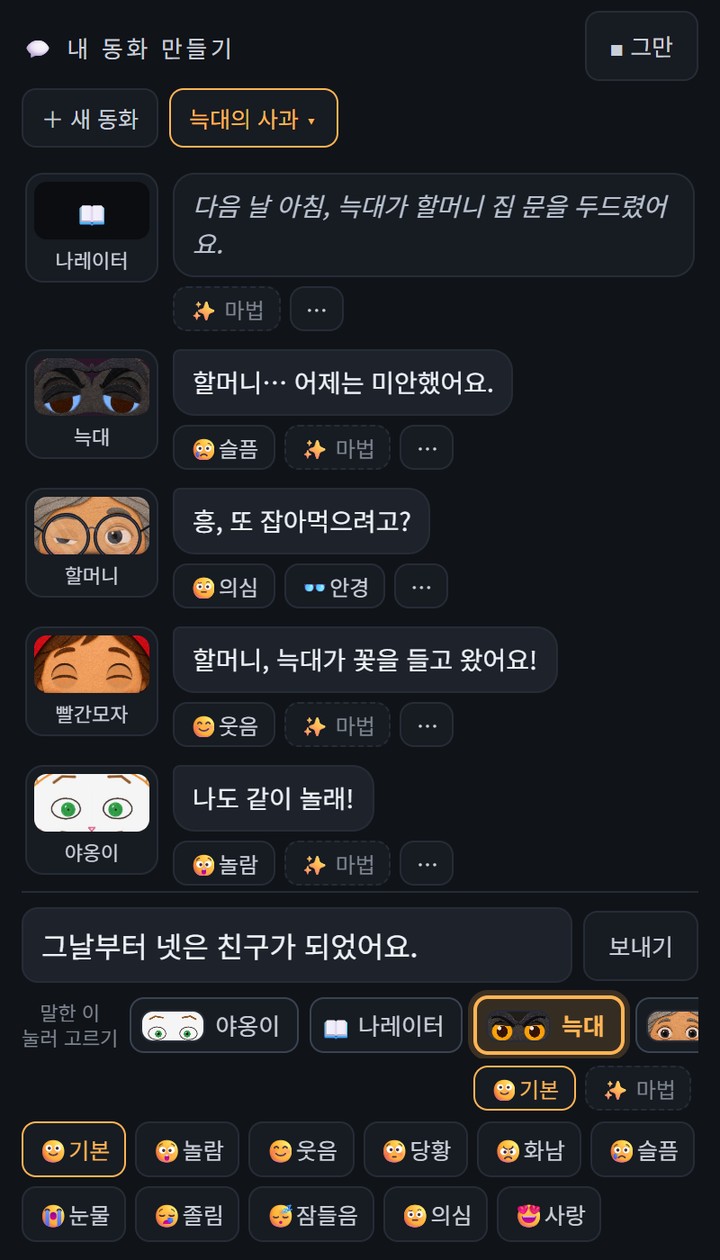
Just like the built-in stories, tap for the next bubble. When the narrator speaks, the pages of a book turn.

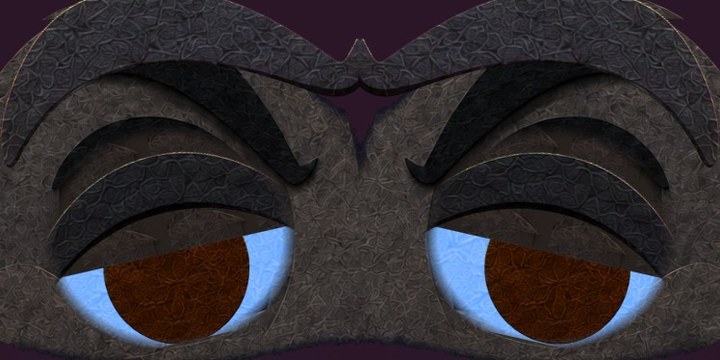

Try stories like these
Want to read it yourself? Listen first through an earphone, then say it in your own voice.
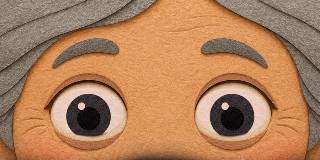
Are you OK, grandma?
Say it in English
They already know the story, so they understand. No scores. Just saying it out loud is enough.
Grandma, what big eyes you have!Little Red Riding Hood
Mirror, mirror on the wall, who is the fairest of them all?Snow White
I am flying!The Ugly Duckling
Be brave!Rio, the Walking Bird
There’s also an auto-read mode that plays the whole story in English, read by AI voices with American pronunciation. English practice works with the four stories in the box.
28 English play cards
When your child holds up a card, the character, expression or magic changes, and the app says its name in English. It even works mid-story.
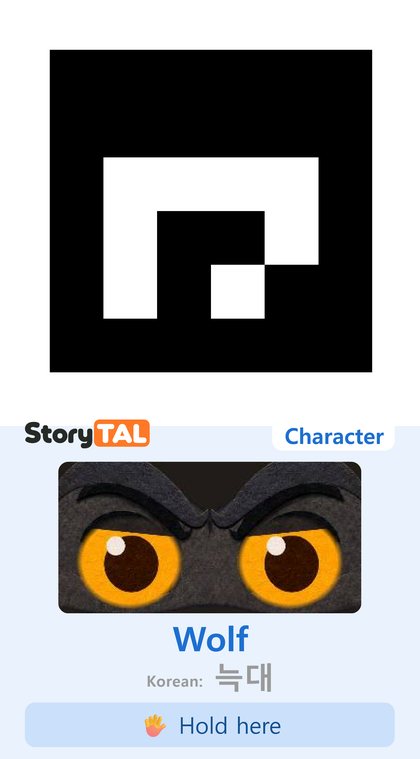
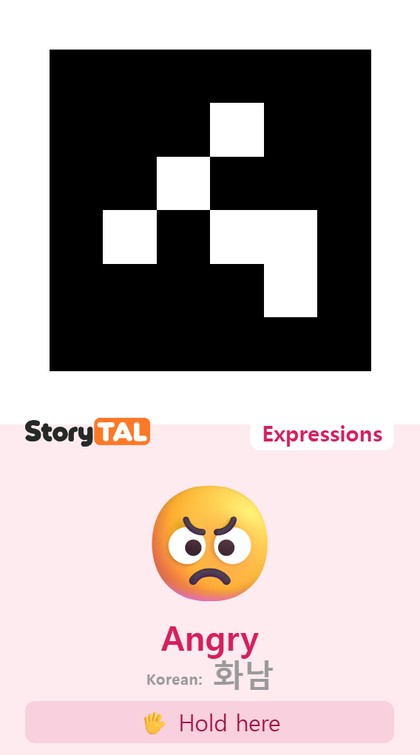
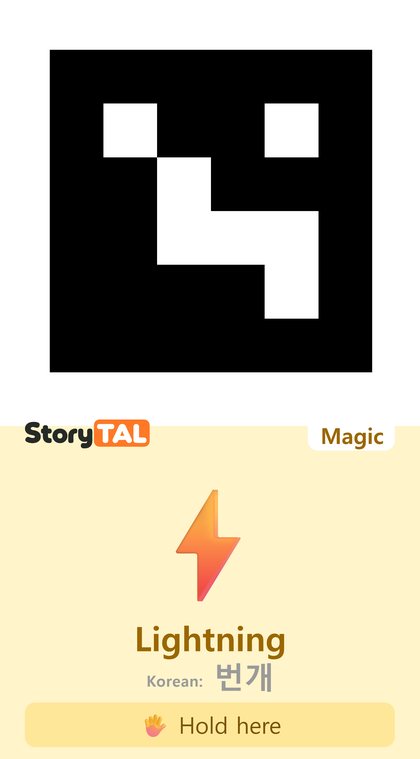
11 characters · 9 expressions · 8 magic cards · business-card size (50 × 90 mm) · works best in good light
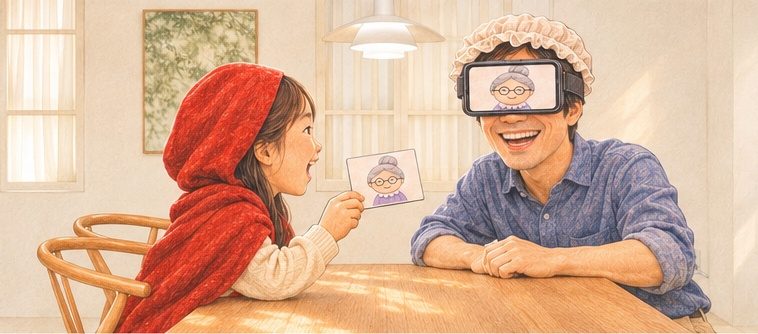
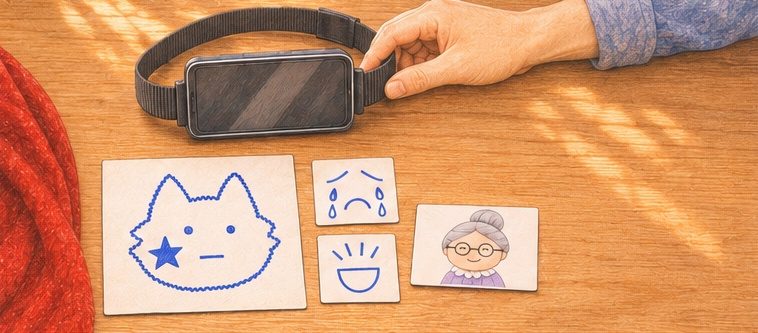

TAL is the Korean word for “mask” (탈). When the story ends, take off the mask and look at your child. The screen showed a swan. Now you can say it with your own face.
“Yes, it’s you. Our swan.”
4 illustrated booklets · A5 · Korean + English
On the way to Grandma’s house, she meets a wolf in the woods.
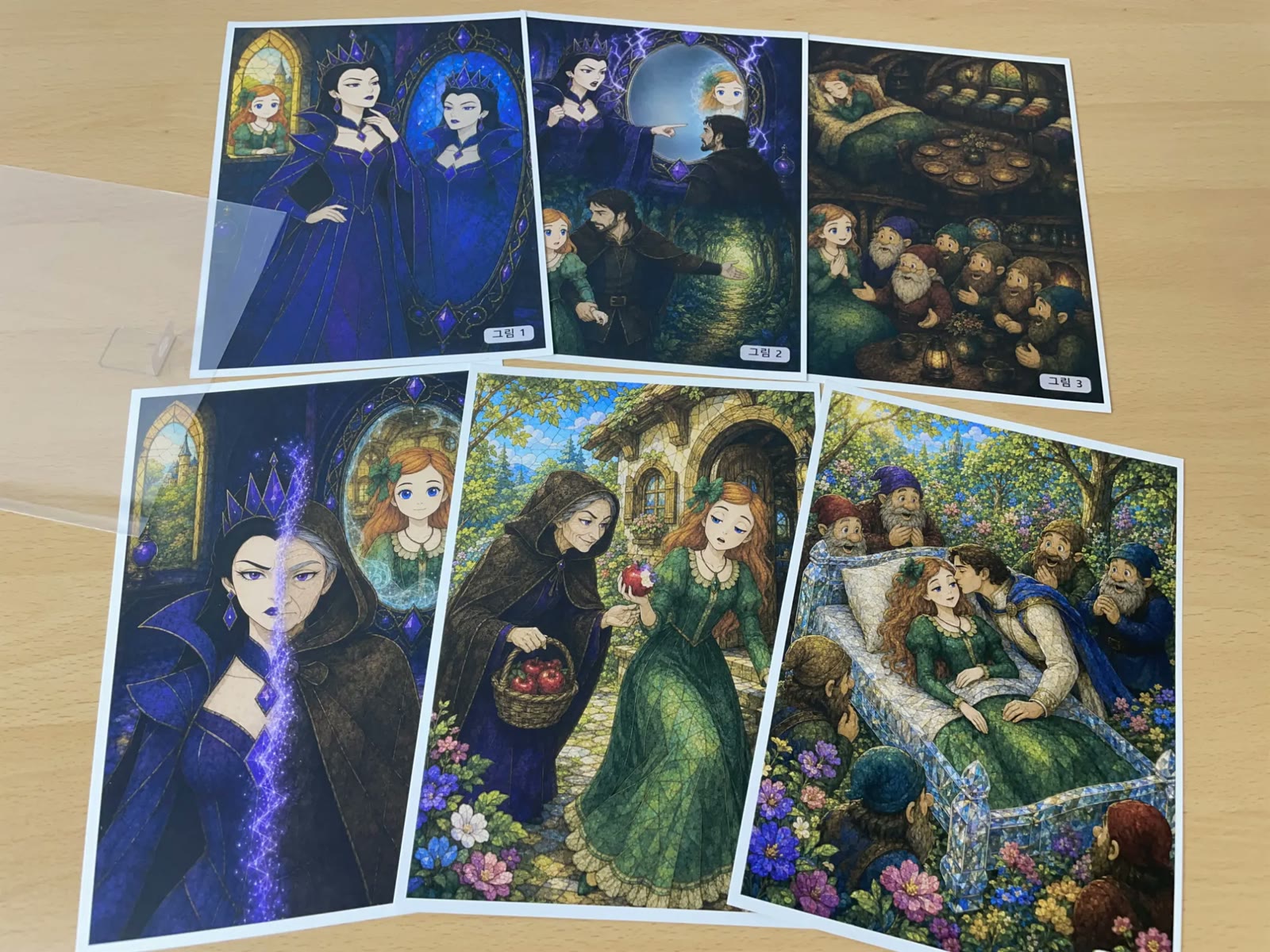
A magic mirror that only tells the truth, and a house of seven dwarfs in the forest.
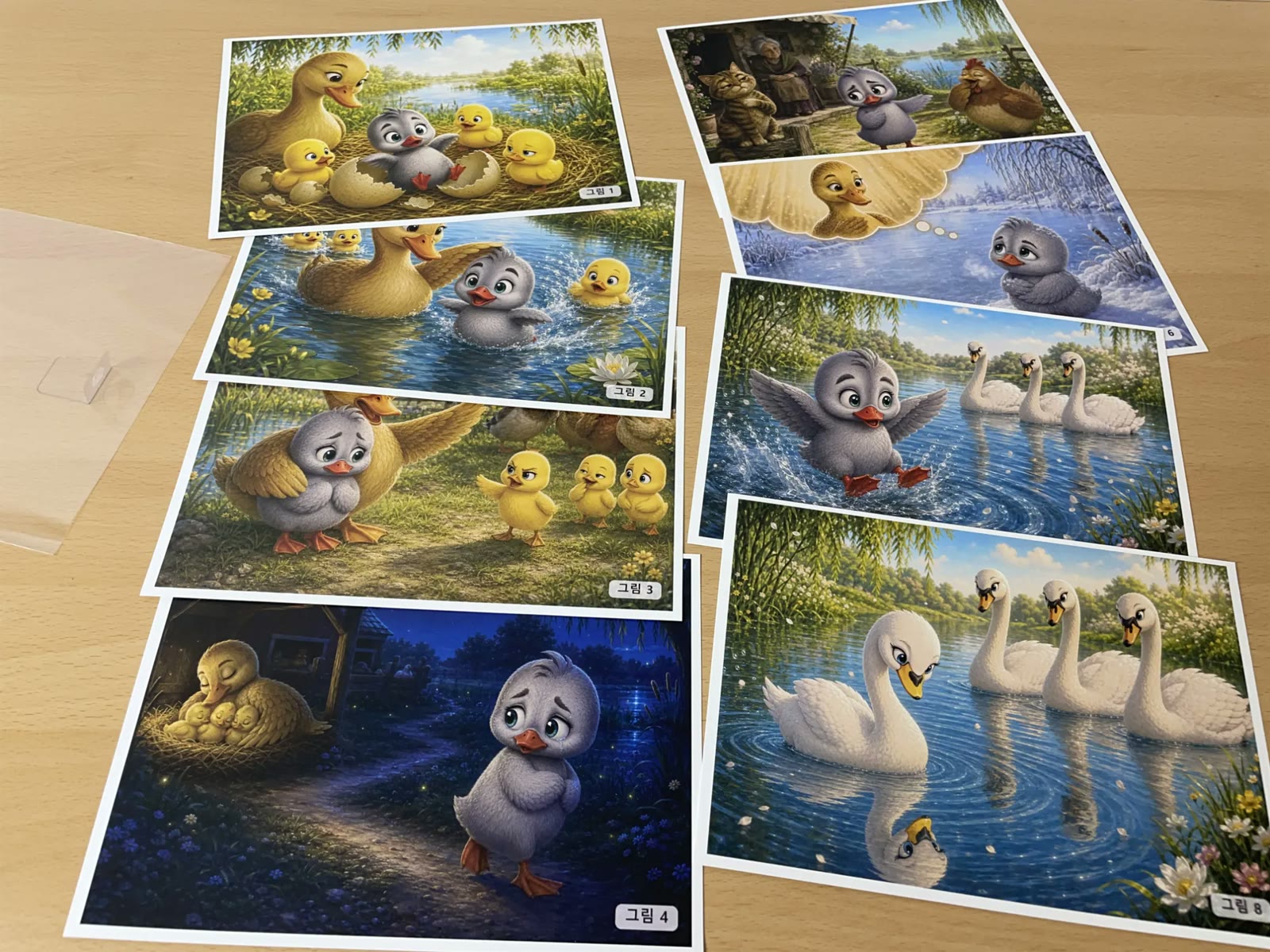
Teased for being different, a little grey duckling makes it through a long winter.
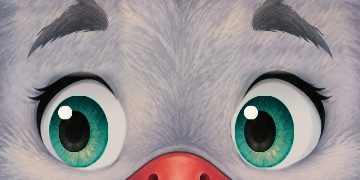
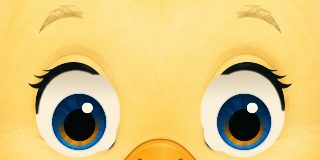
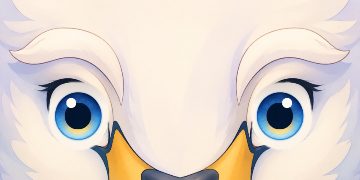
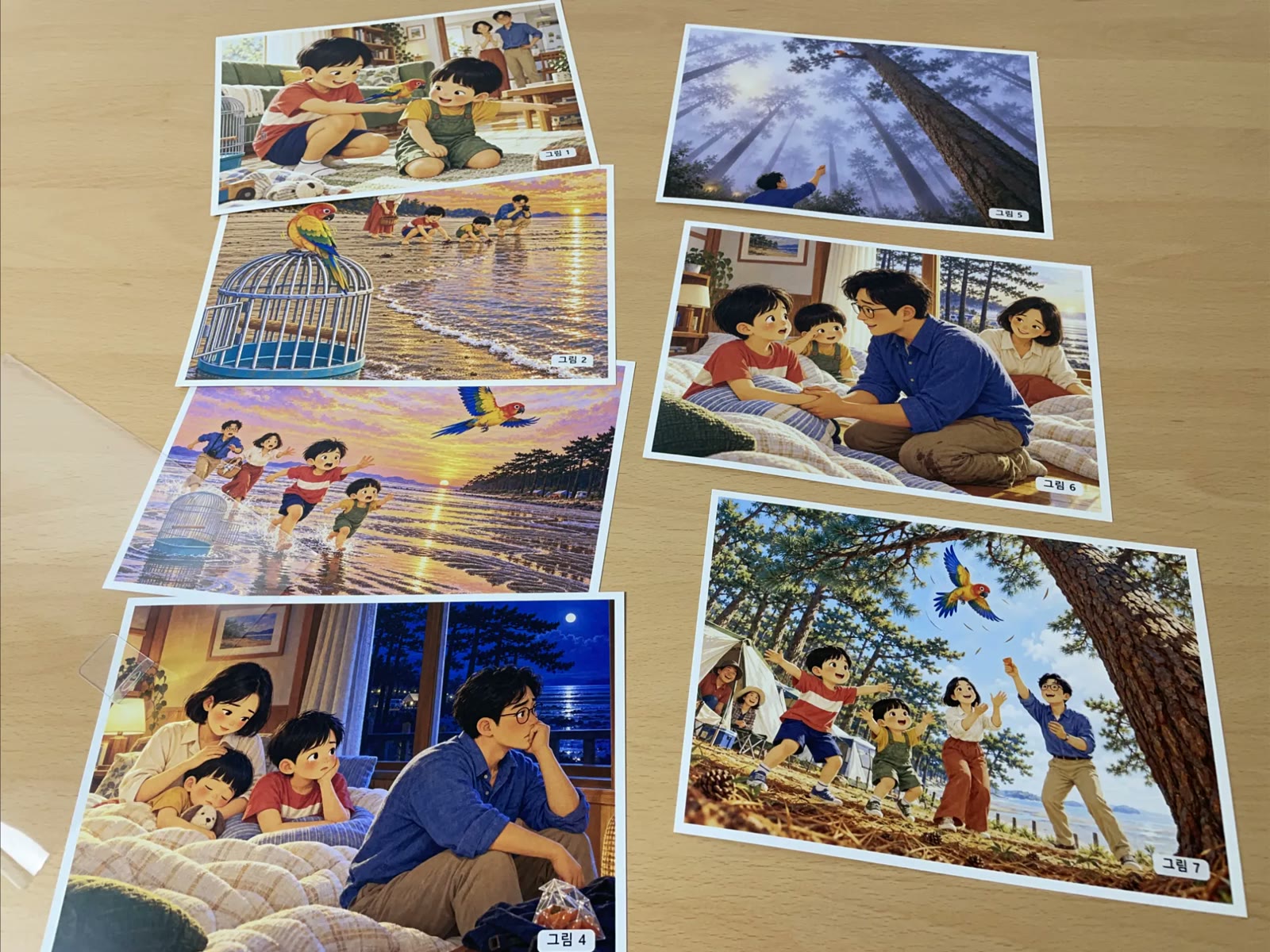
A whole family becomes a mother bird for Rio, a parrot who can’t fly. An original story by Jaeyong Koh.
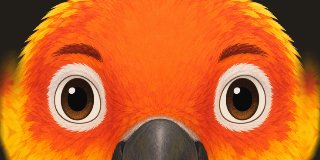
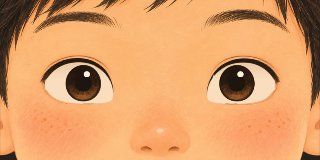
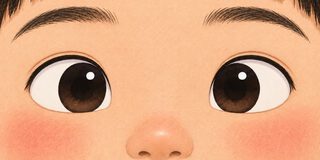
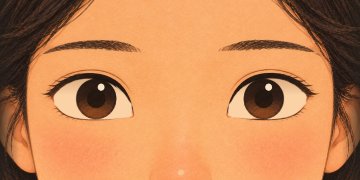
After each story, a curtain call! The characters come out one by one to smile and bow. The fifth story is yours to write.
Smartphone not included. The first launch is faster on Wi-Fi.
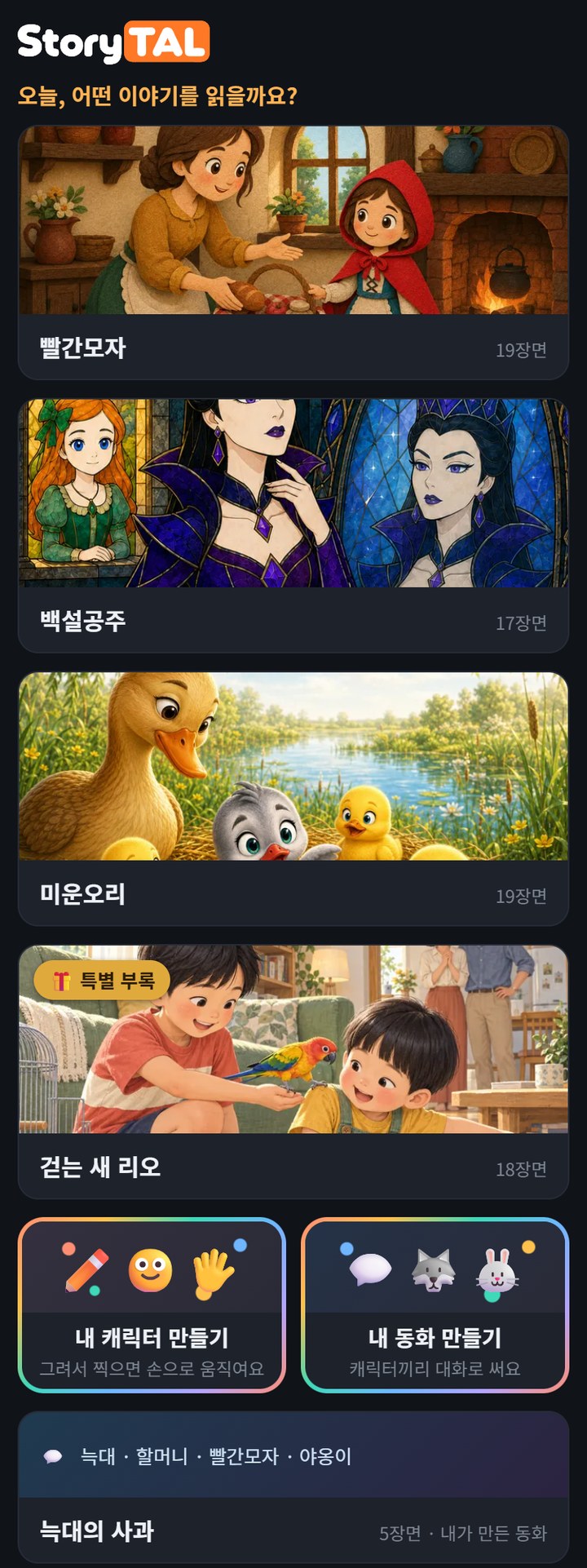
“Make My Character” and “Make My Story” are on the same home screen, and the stories you make appear below as books. App menus are currently in Korean.
How-to video



For partners
Broadcasters · Publishers · Educators
When the episode ends or the picture book closes, children make up what happens next with those characters and perform it with Mom and Dad. StoryTAL is the stage.
No sign-up, and camera video is processed only on the phone. Children’s characters and stories are saved only on the phone too.
inven.fun · invenfun@gmail.com

